.svg)

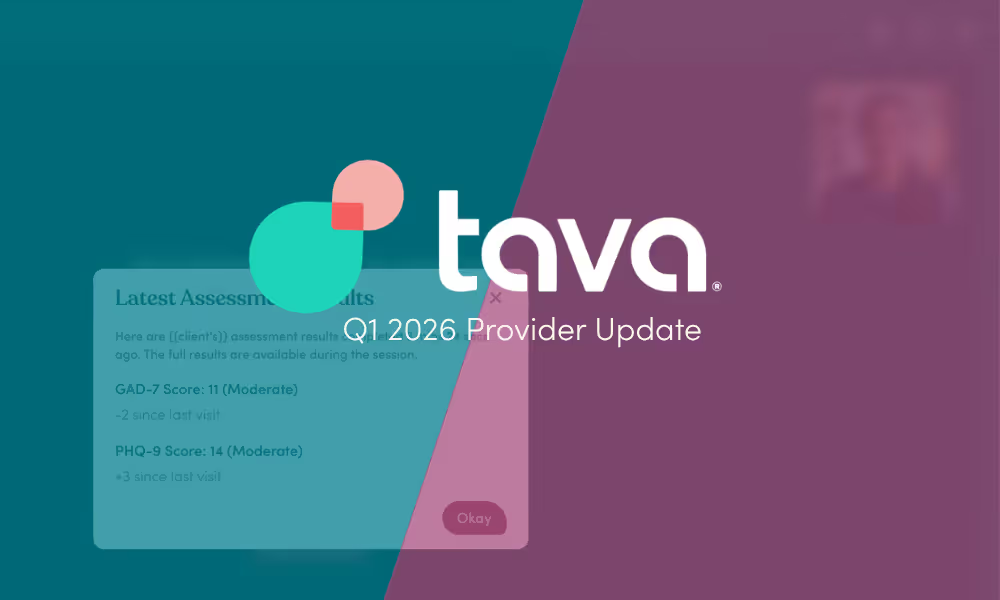
A lot shipped this quarter. Here's what's new for you and your practice on Tava Health — designed to make your workflows more efficient, your clinical tools sharper, and your experience more rewarding.
Pre-Session Assessments
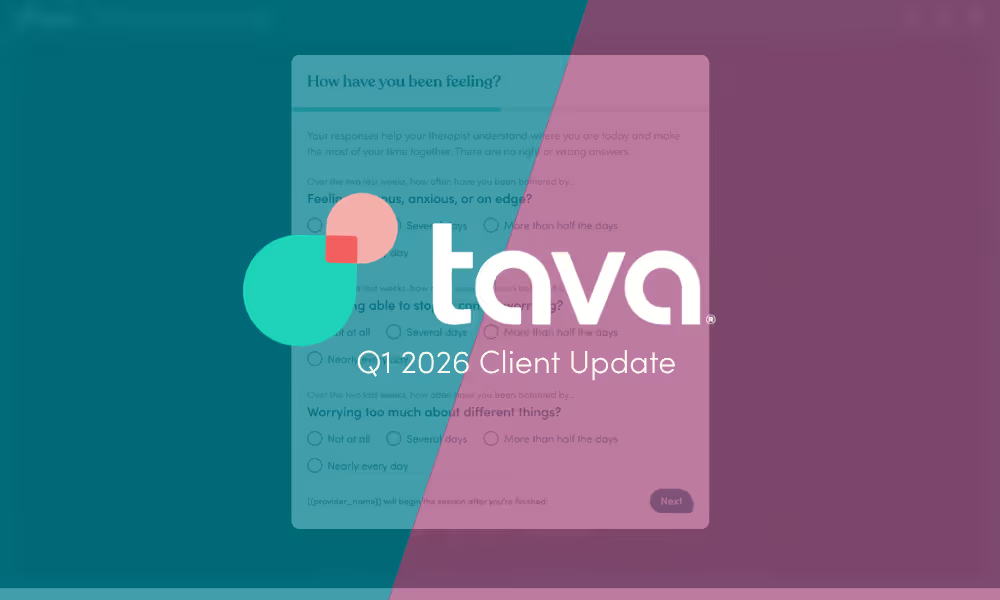
We've embedded clinically validated assessments (GAD-7, PHQ-9, and conditional C-SSRS) directly into the client experience — through session reminders, the client home page, and the virtual waiting room. Clients complete a brief check-in before their sessions, giving providers better clinical signal and outcome measurement for true value-based care.
Flexible Billing
One of the most-requested features from providers is here. You can now document sessions and manage clients on Tava Health, even when billing happens elsewhere. Flexible Billing allows providers to consolidate their full caseload on Tava Health, including clients with government insurance, non-Tava Health EAPs, unsupported plans, or non-card self-pay.
Client Preferences
As part of our Flexible Billing release, you can now choose to enforce coverage and policy restrictions at the individual client level. Client preferences allows you to toggle on or off late-cancelation and no-show fee enforcement, or skip credit card intake depending on the client.
Tava Scribe Model Upgrade
Tava Scribe now uses more precise clinical terminology rather than generic labels, helping your documentation better reflect the nuance of each session. It also generates more specific, measurable goal language in treatment plans, giving you a stronger starting point for documentation that meets clinical and billing standards. With improvements in the overall tone, you can spend less time editing and more time focused on your clients.
Client Preferred Name & Pronouns
Providers and clients can now set a preferred name and pronouns on the client profile, ensuring a more comfortable and respectful environment for all. You will see the client's preferred name throughout the full Tava Health experience, while their legal name remains on file for billing and insurance.
Convert Limited Access → Full Access Clients
You can now convert a limited access client to full access directly from the client profile, allowing you to verify a new client's insurance network status and estimated costs without triggering any client notifications. Then convert them to Full Access in one click when you're ready to onboard.
Related resources

In-Person Therapy, Expanded Reach, and Enhanced Features with Tava Health


Expanding to New Markets Reaching Over 120M+ Lives

From Concept to Impact: The Story Behind Tava Scribe's Development